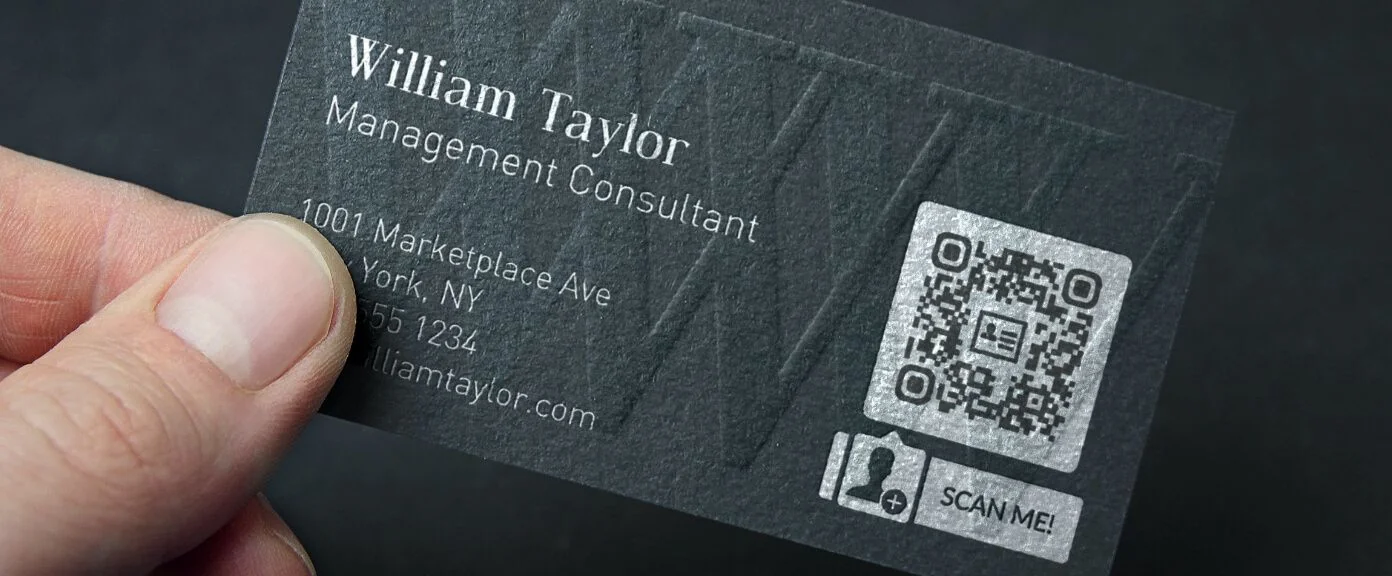
Create QR Code Instantly
Generate beautiful, customizable QR codes. Free & fast.
Design your QR
How to create a QR code?
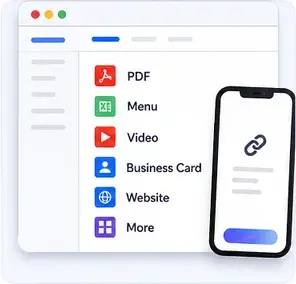
Select the Content You Want to Turn Into a QR Code
Start by choosing what your QR code should open. Create a QR code for a website, PDF, menu, video, business card, app, or other content in just a few clicks.
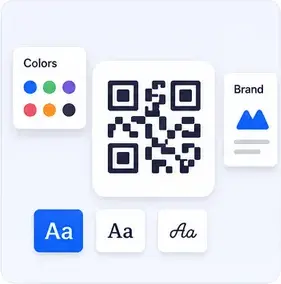
Customize Your QR Code
Enter your content and personalize your QR code with our easy-to-use design tools, colors, and branding options.
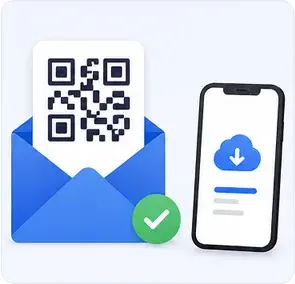
Download & Share Your QR Code
Create your first 7 QR codes for free. To continue creating and managing Dynamic QR codes, simply choose a subscription plan.
Generate different types of QR Codes
MYQR can create codes for a wide range of content. Create your QR code online today and connect with your audience instantly.
WEBSITE
Website QR Codes
A Website QR code takes anyone straight to your site, store, or landing page with a single scan — no typing a URL or risking a spelling mistake. It works with any smartphone camera and can point to a homepage, a specific page, or a tracked campaign link.
Link straight to your homepage, online store, or any specific page.
Works with any smartphone camera — no app download required.
Add UTM parameters to track scans in your analytics tools.
Update the destination URL anytime without reprinting the code.
Great for storefronts, packaging, ads, brochures, and business cards.