MyQR

App QR Codes

An App QR code sends people straight to your app's listing on the iOS App Store or Google Play — or deep-links into a specific screen — making downloads and app discovery effortless.

Create Apps QR Code
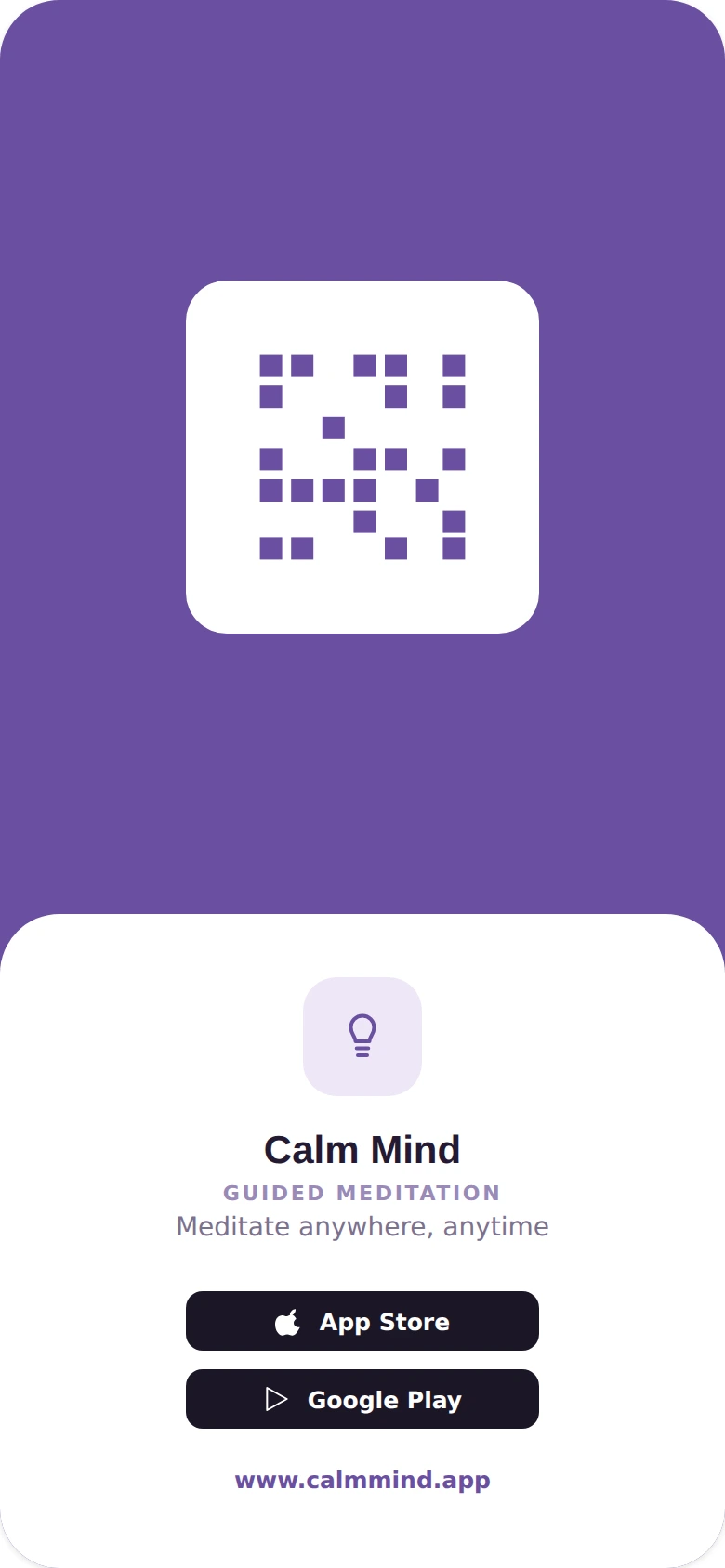
App QR Codes preview

Why use a Apps QR code

  • Link directly to your app on the App Store or Google Play.
  • Deep-link into a specific in-app screen or feature.
  • Detect the scanner's device and route to the right store.
  • Great for posters, packaging, and marketing campaigns.
  • Track scans to measure app download campaign performance.

How it works

  1. 1Add the link to your app store listing or deep link
  2. 2Customize colors, logo, and frame to match your brand
  3. 3Download or share your QR code and start tracking scans

Popular uses

Posters promoting a new app downloadPackaging inserts linking to a companion appMarketing campaigns measuring install performanceIn-app feature promotions via deep links

Frequently asked questions

Is a App QR code free to create?

Yes — generate and download your App QR code for free with MyQR. Upgrade anytime for advanced customization and unlimited scans.

Can I change the content after printing?

Yes — this is a dynamic QR code, so you can update the destination anytime without reprinting.

Do I need an app to scan it?

No — any modern smartphone camera can scan a App QR code without installing an extra app.