MyQR

Email QR Codes

An Email QR code opens a pre-filled email — with the recipient, subject, and message already set — so people can reach you with one scan and one tap to send.

Create Email QR Code
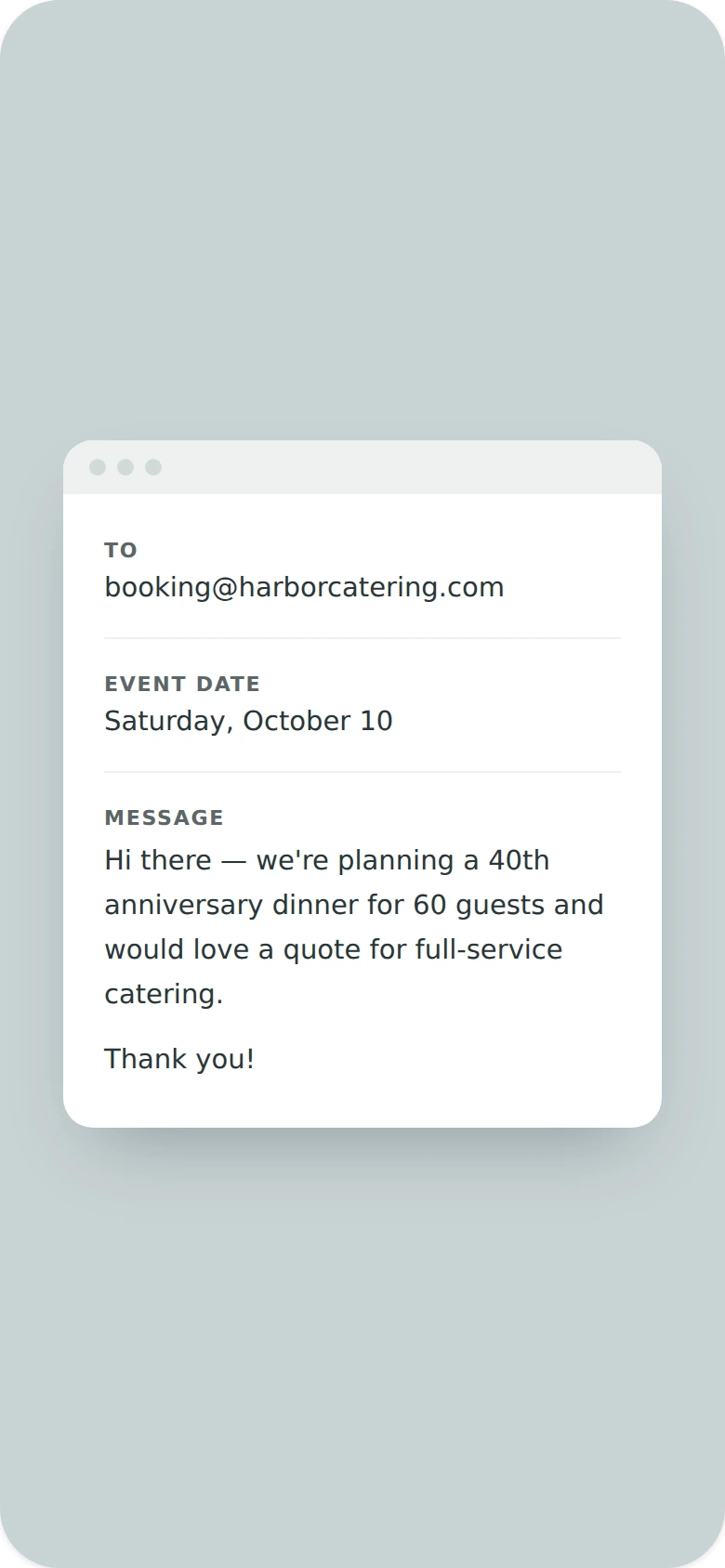
Email QR Codes preview

Why use a Email QR code

  • Open a pre-filled email with recipient, subject, and message.
  • Reduce typos and typing effort for the person reaching out.
  • Great for contact forms, support requests, and newsletters.
  • Perfect for feedback requests and customer inquiries.
  • Update the pre-filled content anytime without a new code.

How it works

  1. 1Enter the recipient, subject, and message
  2. 2Customize colors, logo, and frame to match your brand
  3. 3Download or share your QR code

Popular uses

Email newsletters linking readers to save your contact infoSupport desks collecting inquiries by emailFeedback requests after a purchase or visitBusiness cards with a one-tap email option

Frequently asked questions

Is a Email QR code free to create?

Yes — generate and download your Email QR code for free with MyQR. Upgrade anytime for advanced customization and unlimited scans.

Can I change the content after printing?

No — this is a static QR code, so the content is fixed once created. To change it, generate a new QR code.

Do I need an app to scan it?

No — any modern smartphone camera can scan a Email QR code without installing an extra app.