MyQR

Event QR Codes

An Event QR code shares all the details people need for your event — date, time, location, and a registration link — so attendees can save the date or sign up with a single scan.

Create Event QR Code
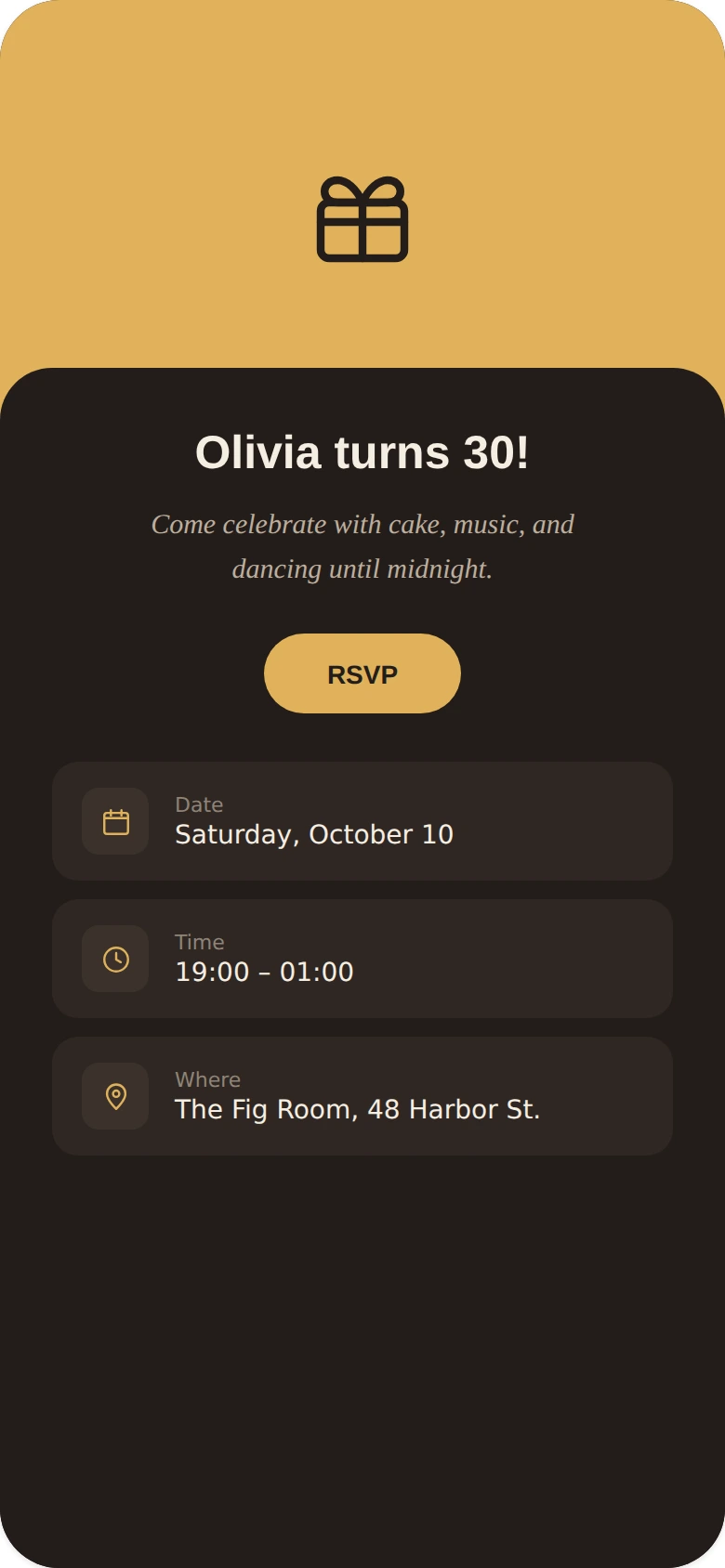
Event QR Codes preview

Why use a Event QR code

  • Share event date, time, location, and description at a glance.
  • Link directly to registration or ticketing pages.
  • Great for conferences, concerts, weddings, and meetups.
  • Let scanners add the event straight to their calendar.
  • Update event details anytime without reprinting invites.

How it works

  1. 1Add the event title, date, time, and location
  2. 2Customize colors, logo, and frame to match your brand
  3. 3Download or share your QR code and start tracking scans

Popular uses

Event tickets with fast entry and validationInvitations with a save-the-date and RSVP linkConference badges linking to the schedulePosters promoting registration or ticketing

Frequently asked questions

Is a Event QR code free to create?

Yes — generate and download your Event QR code for free with MyQR. Upgrade anytime for advanced customization and unlimited scans.

Can I change the content after printing?

Yes — this is a dynamic QR code, so you can update the destination anytime without reprinting.

Do I need an app to scan it?

No — any modern smartphone camera can scan a Event QR code without installing an extra app.