MyQR

Feedback QR Codes

A Feedback QR code opens a custom survey or feedback form the moment it's scanned, making it effortless for customers to share their experience right after a purchase, meal, or visit.

Create Feedback QR Code
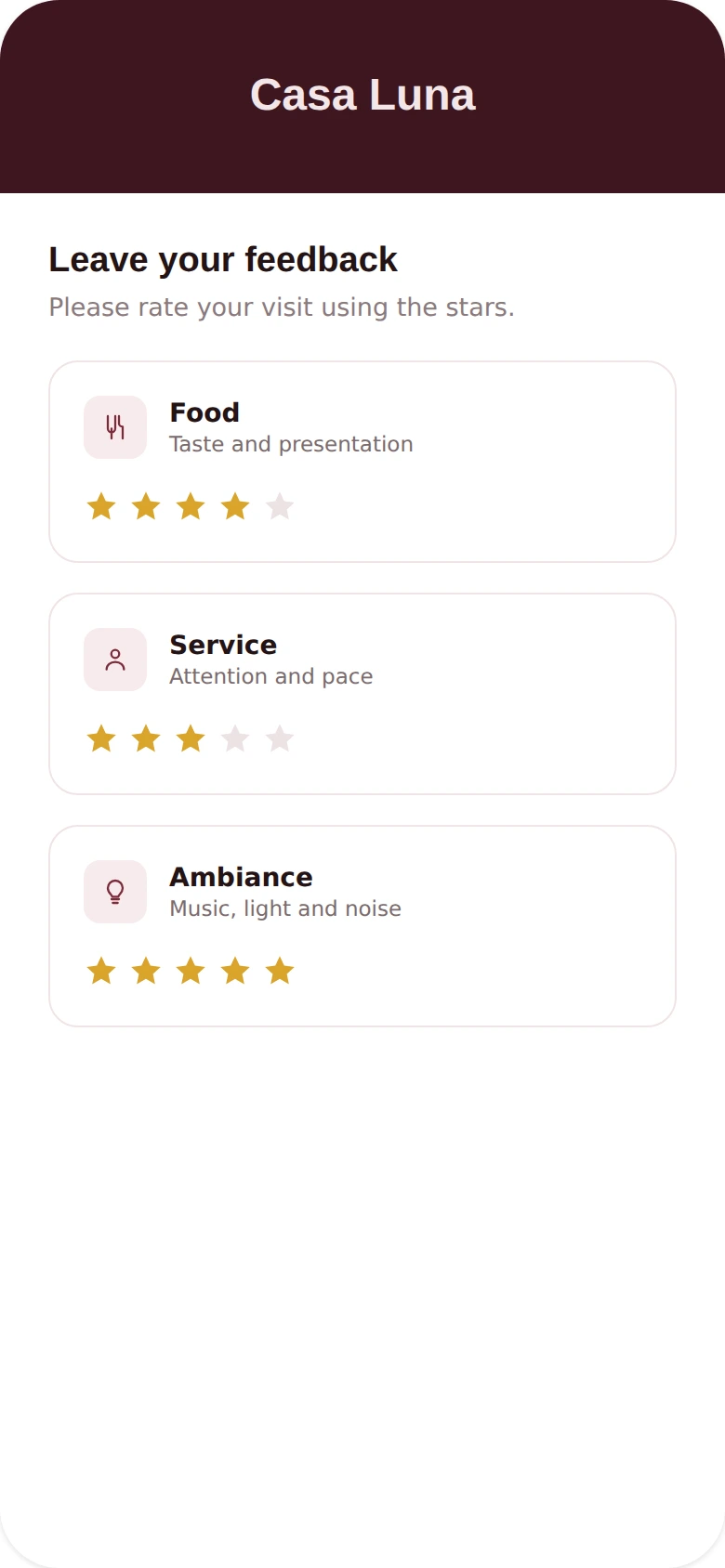
Feedback QR Codes preview

Why use a Feedback QR code

  • Open a custom feedback form or survey instantly.
  • Collect insights right after a purchase, meal, or visit.
  • Great for restaurants, retail, events, and service businesses.
  • Edit survey questions anytime without reprinting the code.
  • Turn casual customers into a steady stream of reviews.

How it works

  1. 1Link to your feedback form or survey
  2. 2Customize colors, logo, and frame to match your brand
  3. 3Download or share your QR code and start tracking scans

Popular uses

Restaurant tables collecting feedback after a mealRetail checkout counters gathering reviewsEvent exit surveysService businesses collecting post-visit ratings

Frequently asked questions

Is a Feedback QR code free to create?

Yes — generate and download your Feedback QR code for free with MyQR. Upgrade anytime for advanced customization and unlimited scans.

Can I change the content after printing?

Yes — this is a dynamic QR code, so you can update the destination anytime without reprinting.

Do I need an app to scan it?

No — any modern smartphone camera can scan a Feedback QR code without installing an extra app.