MyQR

Menu QR Codes

A Menu QR code shows your restaurant or cafe menu straight from a scan — as a webpage or PDF — replacing printed menus that need reprinting every time a price or dish changes.

Create Menu QR Code
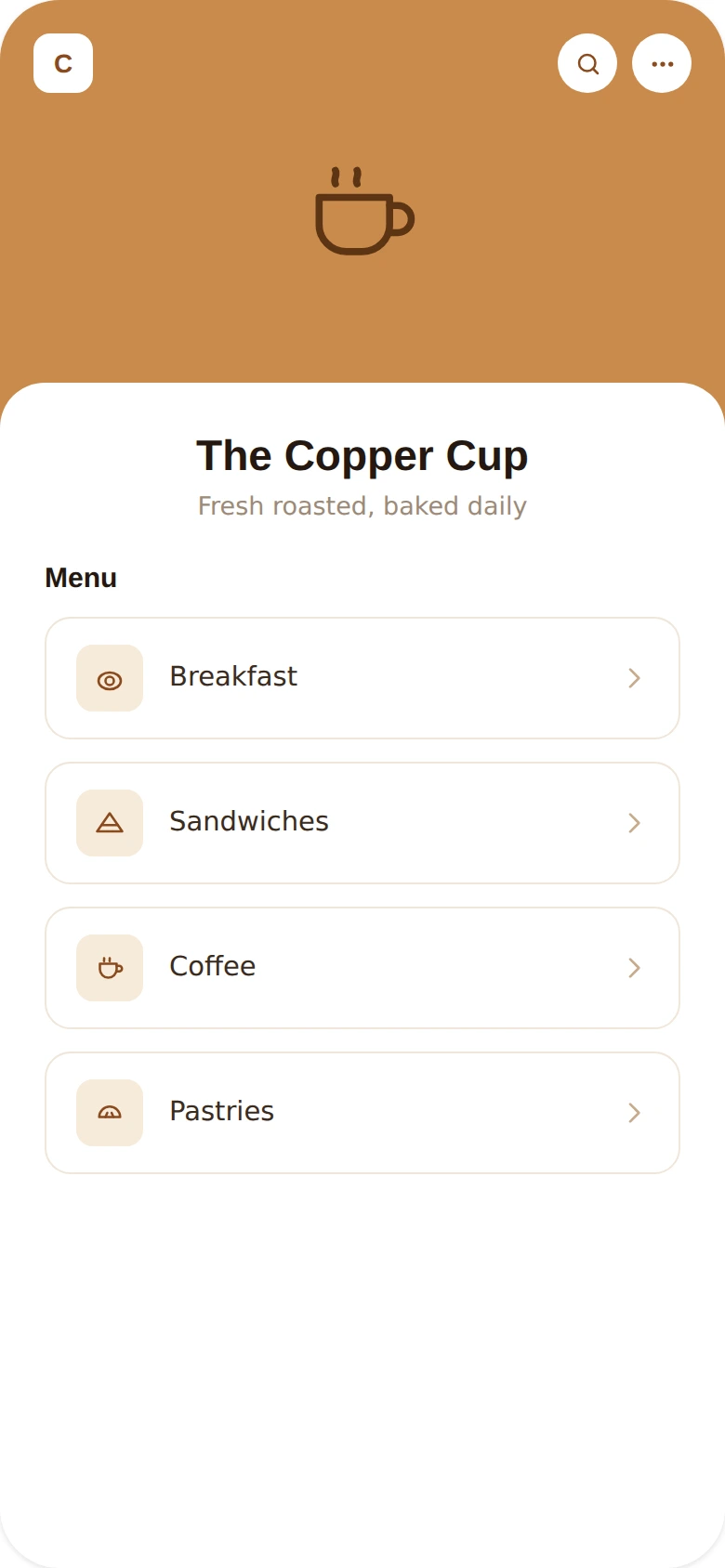
Menu QR Codes preview

Why use a Menu QR code

  • Show your full menu as a webpage or PDF from one scan.
  • Update prices, dishes, or specials without reprinting menus.
  • Reduce shared printed surfaces for a cleaner dining experience.
  • Great for cafes, restaurants, bars, and food trucks.
  • Add photos, allergen info, or daily specials easily.

How it works

  1. 1Upload or link to your menu
  2. 2Customize colors, logo, and frame to match your brand
  3. 3Download or share your QR code and start tracking scans

Popular uses

Table tents with menus, reservations, or promotionsFood packaging linking to nutrition facts and orderingDigital menus that update without reprintingCafe and bar counter menus

Frequently asked questions

Is a Menu QR code free to create?

Yes — generate and download your Menu QR code for free with MyQR. Upgrade anytime for advanced customization and unlimited scans.

Can I change the content after printing?

Yes — this is a dynamic QR code, so you can update the destination anytime without reprinting.

Do I need an app to scan it?

No — any modern smartphone camera can scan a Menu QR code without installing an extra app.