MyQR

Playlist QR Codes

A Playlist QR code shares your music playlist from Spotify, Apple Music, or YouTube Music with one scan — perfect for setting the mood at events, cafes, or parties without asking people to search for it.

Create Playlist QR Code
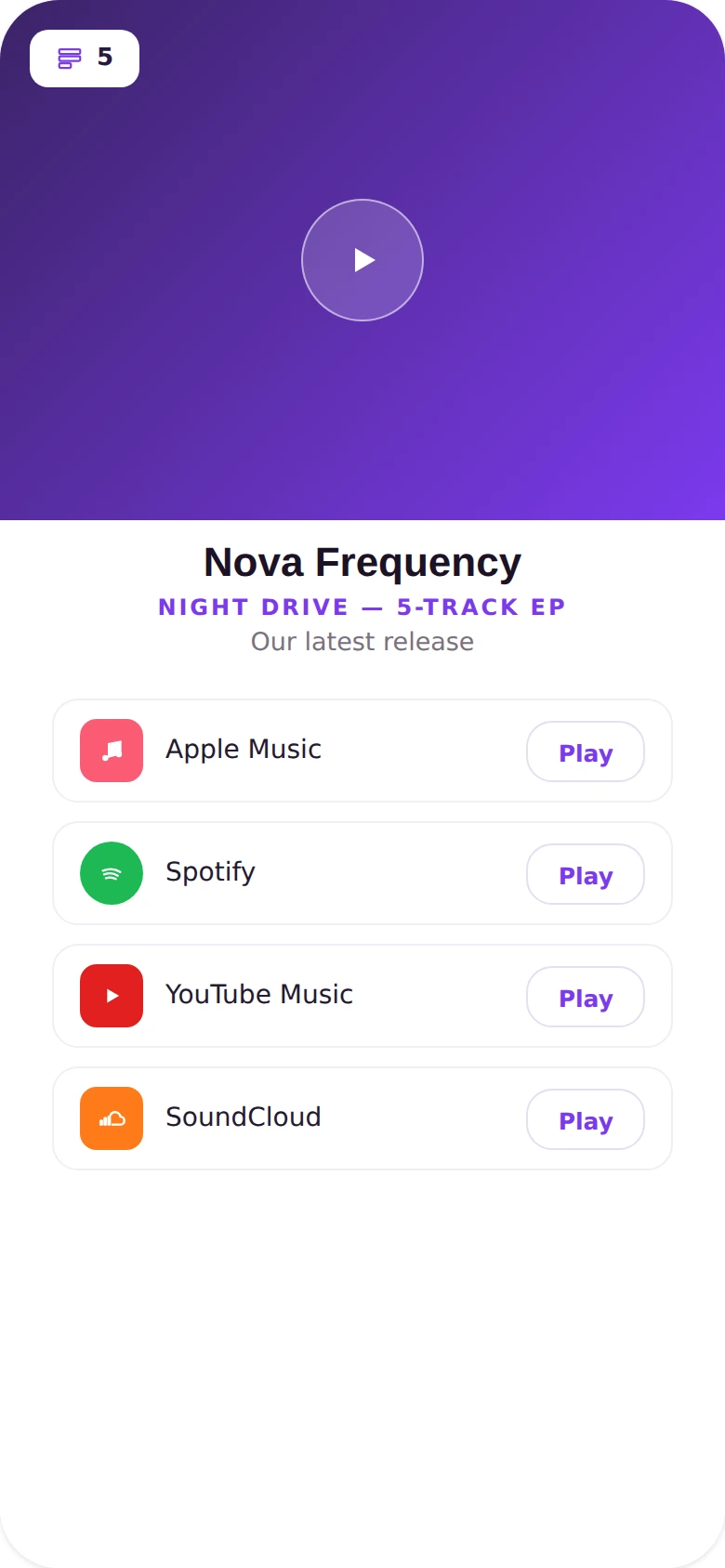
Playlist QR Codes preview

Why use a Playlist QR code

  • Share playlists from Spotify, Apple Music, or YouTube Music.
  • Let guests listen instantly without searching for the playlist.
  • Great for events, cafes, parties, and retail spaces.
  • Update the linked playlist anytime without a new code.
  • Give your brand or event a consistent, curated soundtrack.

How it works

  1. 1Paste the link to your playlist
  2. 2Customize colors, logo, and frame to match your brand
  3. 3Download or share your QR code and start tracking scans

Popular uses

Cafes and retail spaces setting a curated moodParties and events sharing a group playlistNew music release promotionBrand playlists for waiting rooms and lobbies

Frequently asked questions

Is a Playlist QR code free to create?

Yes — generate and download your Playlist QR code for free with MyQR. Upgrade anytime for advanced customization and unlimited scans.

Can I change the content after printing?

Yes — this is a dynamic QR code, so you can update the destination anytime without reprinting.

Do I need an app to scan it?

No — any modern smartphone camera can scan a Playlist QR code without installing an extra app.