MyQR

Social Media QR Codes

A Social Media QR code brings all of your profiles together behind one scan, making it easy for people to follow you on Instagram, Facebook, LinkedIn, TikTok, and more without searching for each handle.

Create Social Media QR Code
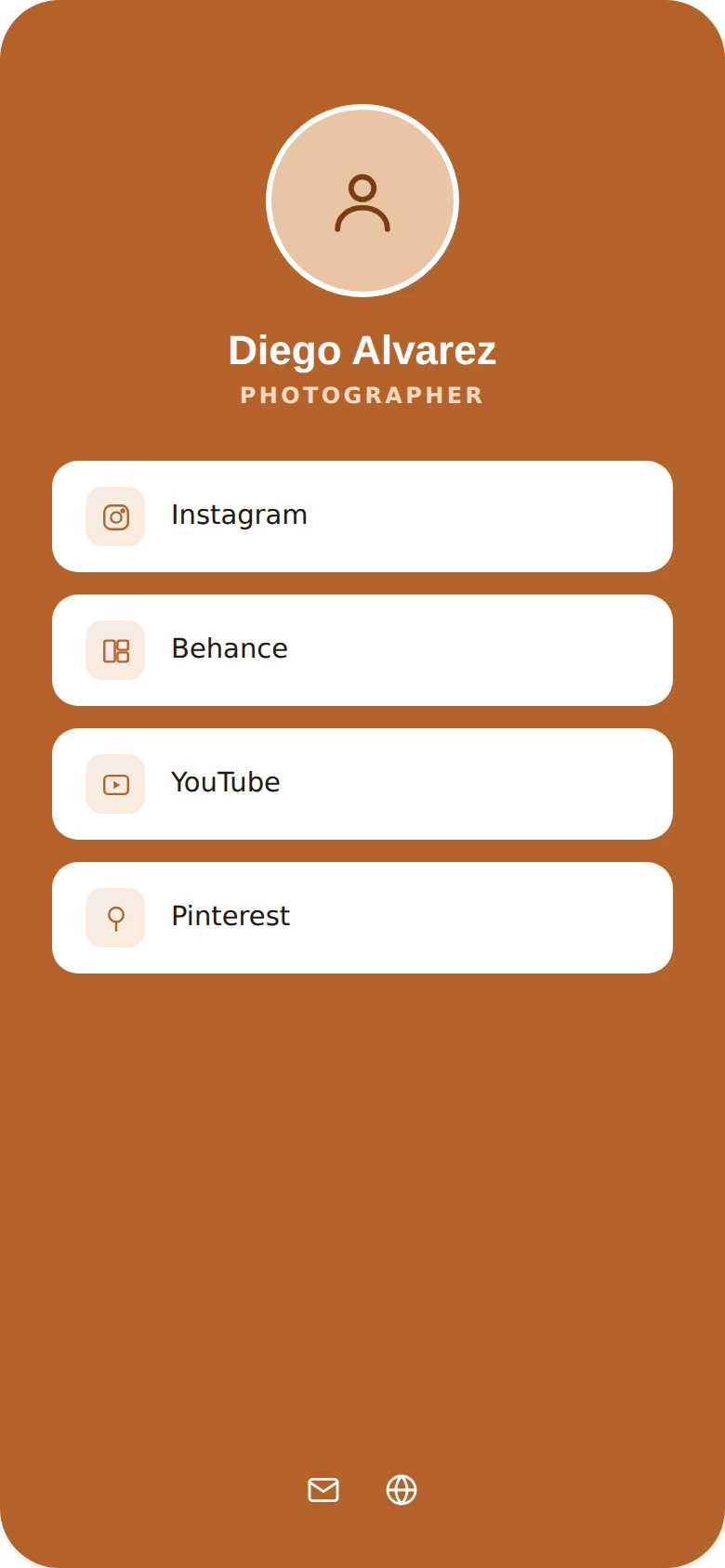
Social Media QR Codes preview

Why use a Social Media QR code

  • Link to all your social profiles from a single QR code.
  • Help people follow you across multiple platforms at once.
  • Great for storefronts, business cards, and packaging.
  • Add or remove platforms anytime without a new code.
  • Grow your following with less friction for new visitors.

How it works

  1. 1Add the link to your social profile or link-in-bio page
  2. 2Customize colors, logo, and frame to match your brand
  3. 3Download or share your QR code and start tracking scans

Popular uses

Storefronts encouraging follows on Instagram or FacebookBusiness cards linking to your social presencePackaging inserts growing your communityPhotographer and creator profile promotion

Frequently asked questions

Is a Social Media QR code free to create?

Yes — generate and download your Social Media QR code for free with MyQR. Upgrade anytime for advanced customization and unlimited scans.

Can I change the content after printing?

Yes — this is a dynamic QR code, so you can update the destination anytime without reprinting.

Do I need an app to scan it?

No — any modern smartphone camera can scan a Social Media QR code without installing an extra app.