MyQR

Text QR Codes

A Text QR code displays a short block of plain text the instant it's scanned — notes, instructions, event details, or quick guides — with no app or website required beyond the scan itself.

Create Text QR Code
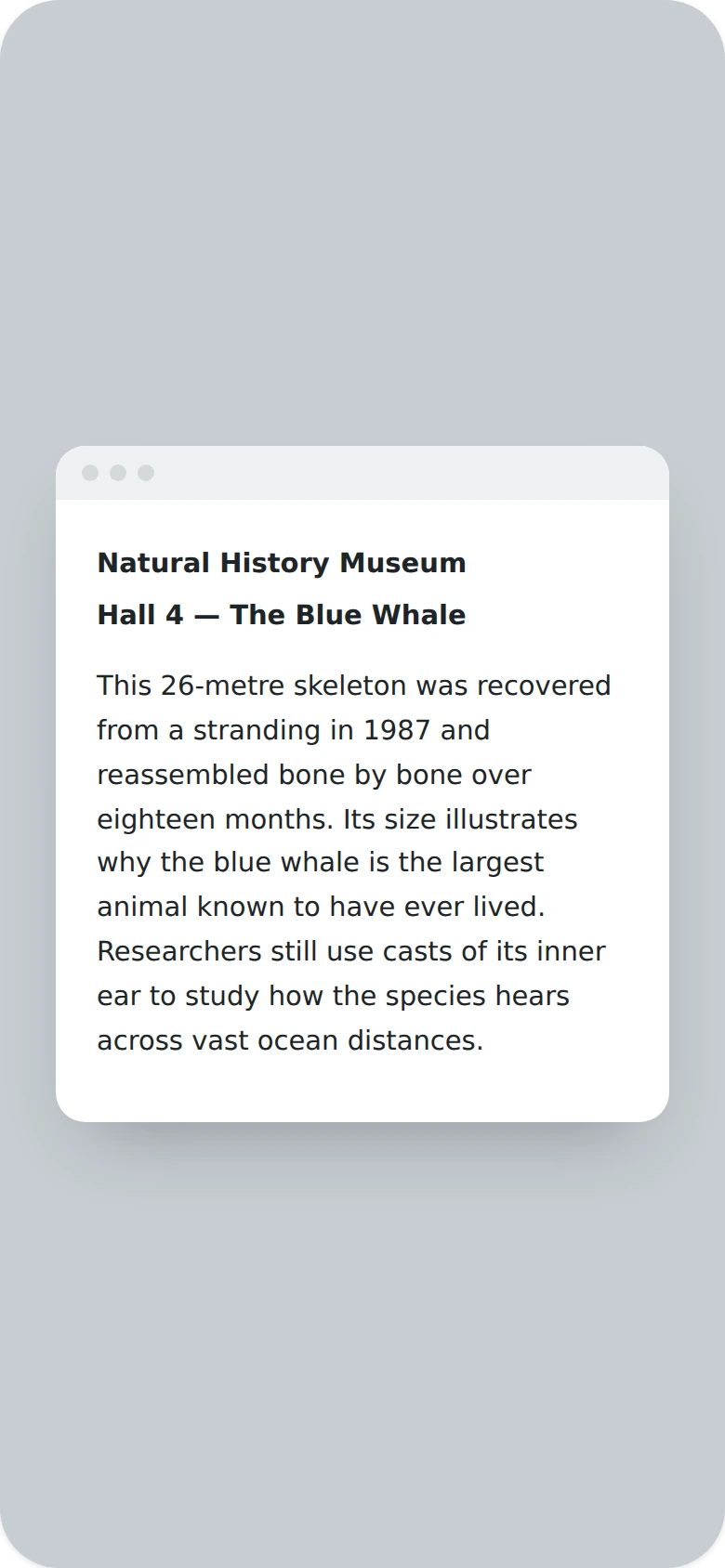
Text QR Codes preview

Why use a Text QR code

  • Display notes, instructions, or short guides instantly.
  • No website or app needed — just scan and read.
  • Great for quick instructions, reminders, or event details.
  • Simple to create and update for one-off or temporary messages.
  • Works well on signage, packaging, or handouts.

How it works

  1. 1Type the message or notes you want to display
  2. 2Customize colors, logo, and frame to match your brand
  3. 3Download or share your QR code

Popular uses

Museum or gallery guides with quick descriptionsSignage with short instructions or remindersPackaging inserts with care or usage notesEvent handouts with quick details

Frequently asked questions

Is a Text QR code free to create?

Yes — generate and download your Text QR code for free with MyQR. Upgrade anytime for advanced customization and unlimited scans.

Can I change the content after printing?

No — this is a static QR code, so the content is fixed once created. To change it, generate a new QR code.

Do I need an app to scan it?

No — any modern smartphone camera can scan a Text QR code without installing an extra app.