MyQR

Website QR Codes

A Website QR code takes anyone straight to your site, store, or landing page with a single scan — no typing a URL or risking a spelling mistake. It works with any smartphone camera and can point to a homepage, a specific page, or a tracked campaign link.

Create Website QR Code
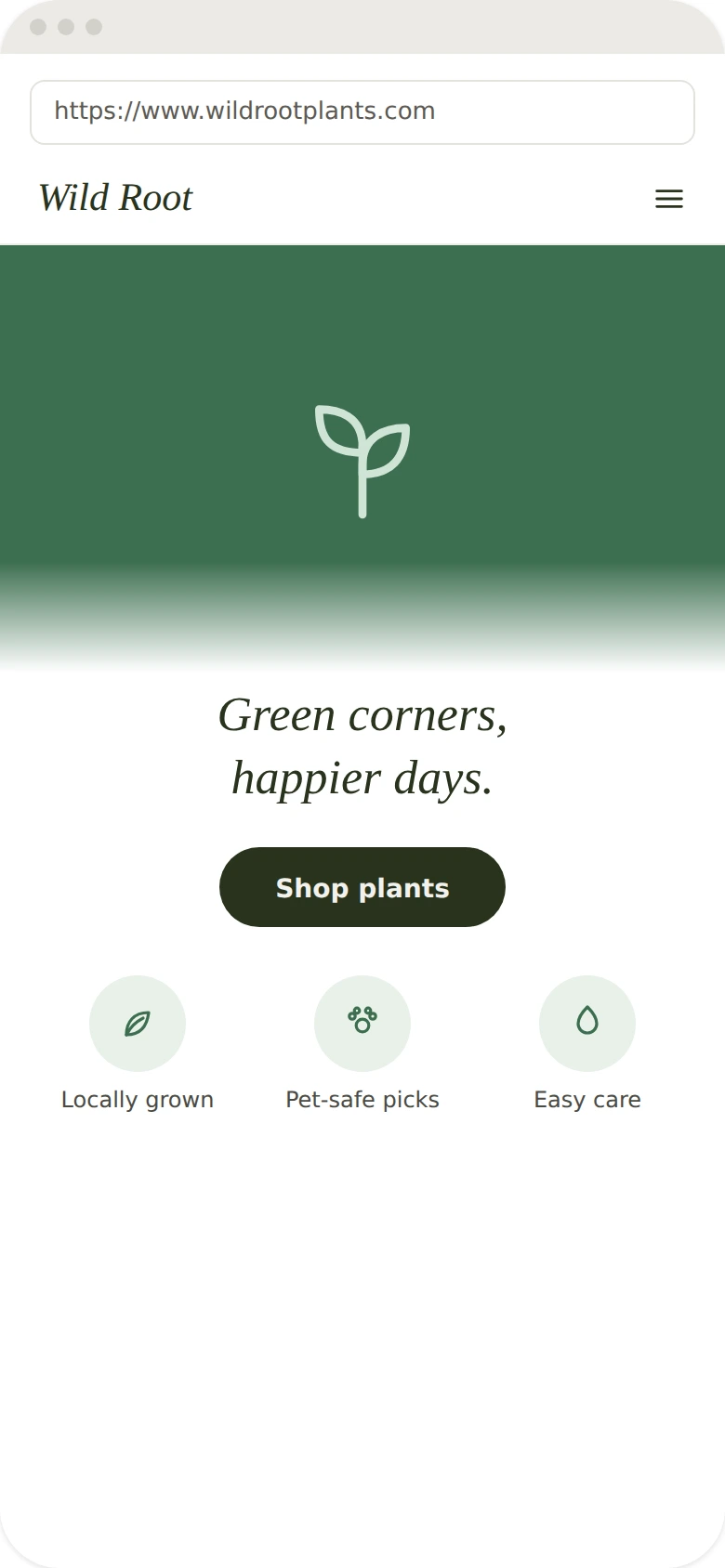
Website QR Codes preview

Why use a Website QR code

  • Link straight to your homepage, online store, or any specific page.
  • Works with any smartphone camera — no app download required.
  • Add UTM parameters to track scans in your analytics tools.
  • Update the destination URL anytime without reprinting the code.
  • Great for storefronts, packaging, ads, brochures, and business cards.

How it works

  1. 1Enter the URL you want people to open
  2. 2Customize colors, logo, and frame to match your brand
  3. 3Download or share your QR code and start tracking scans

Popular uses

Stickers and labels linking to product info or reviewsBanners and posters driving traffic to a landing pageStorefront windows linking to offers or online shoppingBusiness cards and packaging pointing to your website

Frequently asked questions

Is a Website QR code free to create?

Yes — generate and download your Website QR code for free with MyQR. Upgrade anytime for advanced customization and unlimited scans.

Can I change the content after printing?

Yes — this is a dynamic QR code, so you can update the destination anytime without reprinting.

Do I need an app to scan it?

No — any modern smartphone camera can scan a Website QR code without installing an extra app.