MyQR

WhatsApp QR Codes

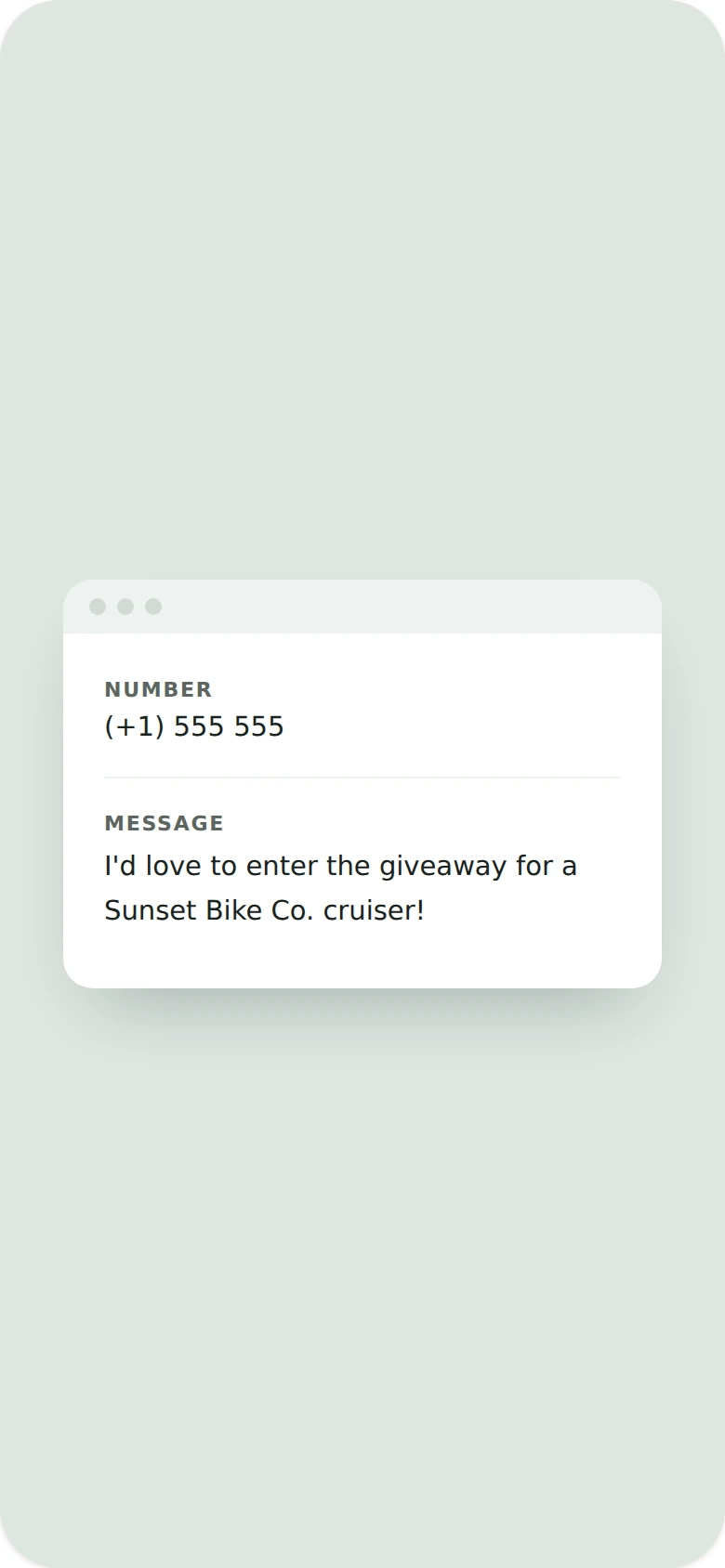
A WhatsApp QR code starts a chat with your business number instantly — with an optional pre-filled message — making it fast for customers to reach support or sales without saving a number first.

Create WhatsApp QR Code
WhatsApp QR Codes preview

Why use a WhatsApp QR code

  • Start a WhatsApp chat instantly without saving a phone number.
  • Include a pre-filled message to speed up the conversation.
  • Great for customer support, sales inquiries, and bookings.
  • Reduce friction between a scan and a real conversation.
  • Update the linked number or message anytime.

How it works

  1. 1Add your WhatsApp number and an optional pre-filled message
  2. 2Customize colors, logo, and frame to match your brand
  3. 3Download or share your QR code

Popular uses

Storefronts offering instant WhatsApp supportBusiness cards linking to a sales chatPackaging inserts for quick customer questionsBooking confirmations with a direct chat link

Frequently asked questions

Is a WhatsApp QR code free to create?

Yes — generate and download your WhatsApp QR code for free with MyQR. Upgrade anytime for advanced customization and unlimited scans.

Can I change the content after printing?

No — this is a static QR code, so the content is fixed once created. To change it, generate a new QR code.

Do I need an app to scan it?

No — any modern smartphone camera can scan a WhatsApp QR code without installing an extra app.