MyQR

WiFi QR Codes

A WiFi QR code lets guests join your network with a single scan — no typing long passwords or asking staff — just point the camera and connect.

Create WiFi QR Code
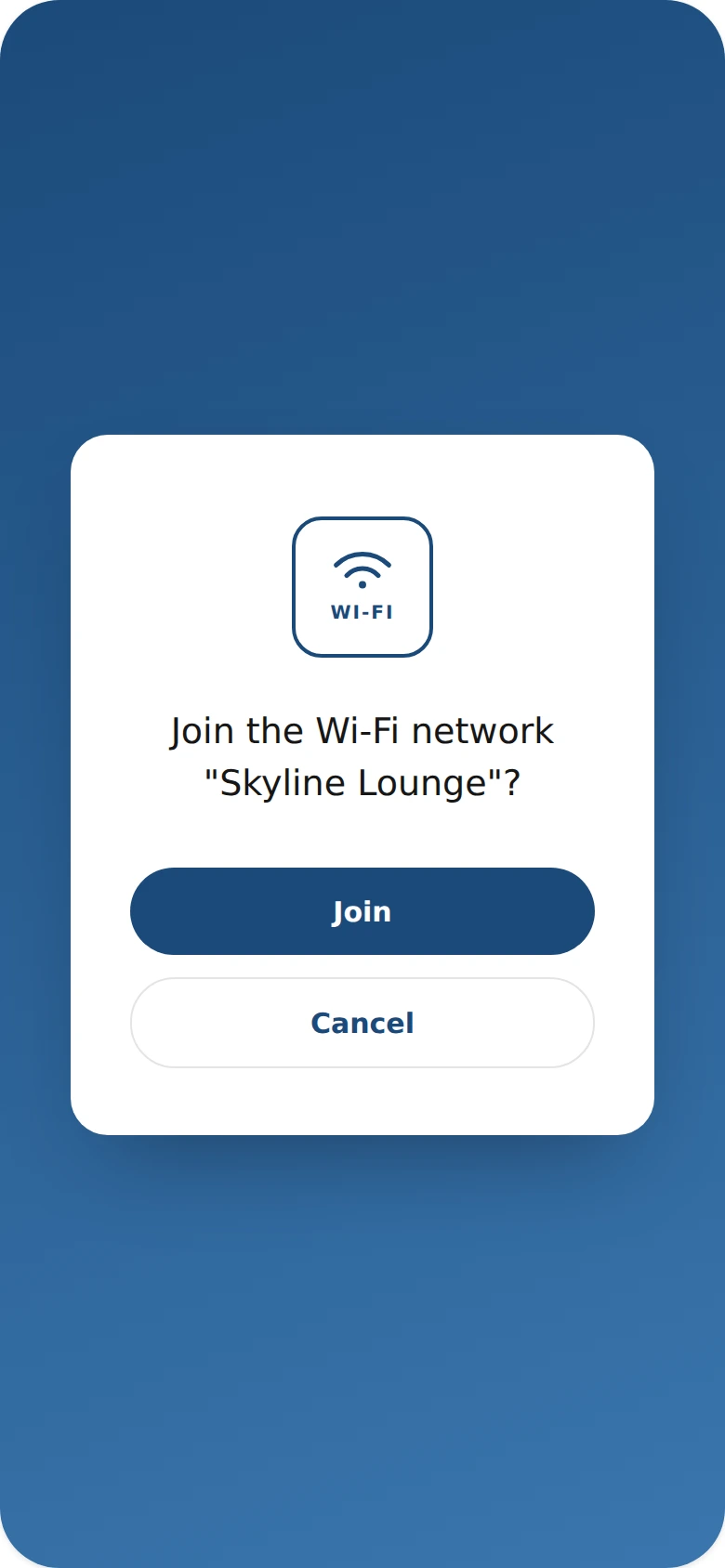
WiFi QR Codes preview

Why use a WiFi QR code

  • Connect to Wi-Fi instantly without typing a password.
  • Great for cafes, offices, Airbnbs, and waiting rooms.
  • Avoid guests mistyping long or complex passwords.
  • Update the code if the network name or password changes.
  • Reduce staff time spent repeating Wi-Fi details.

How it works

  1. 1Enter your network name and password
  2. 2Customize colors, logo, and frame to match your brand
  3. 3Download or share your QR code

Popular uses

Cafe and restaurant guest WiFiHotel room welcome cardsOffice visitor WiFi accessAirbnb and short-term rental welcome guides

Frequently asked questions

Is a WiFi QR code free to create?

Yes — generate and download your WiFi QR code for free with MyQR. Upgrade anytime for advanced customization and unlimited scans.

Can I change the content after printing?

No — this is a static QR code, so the content is fixed once created. To change it, generate a new QR code.

Do I need an app to scan it?

No — any modern smartphone camera can scan a WiFi QR code without installing an extra app.