Print templates
QR code table tents, stickers and standees, ready to print
Make a QR code, choose a template, add your business name and download a print-ready PDF. Works with every QR type: menus, UPI payments, Wi-Fi, reviews, social links and more.
Choose your template
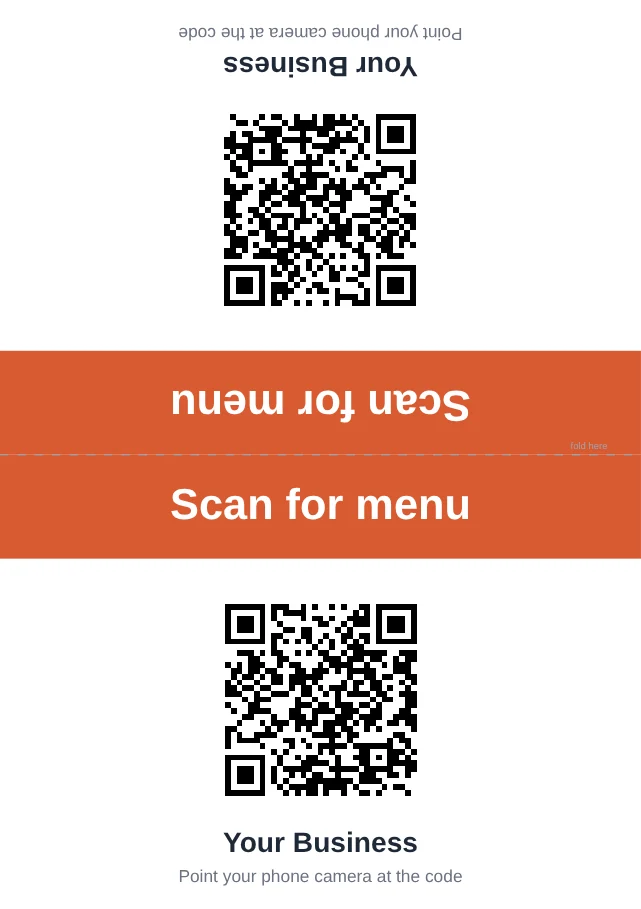
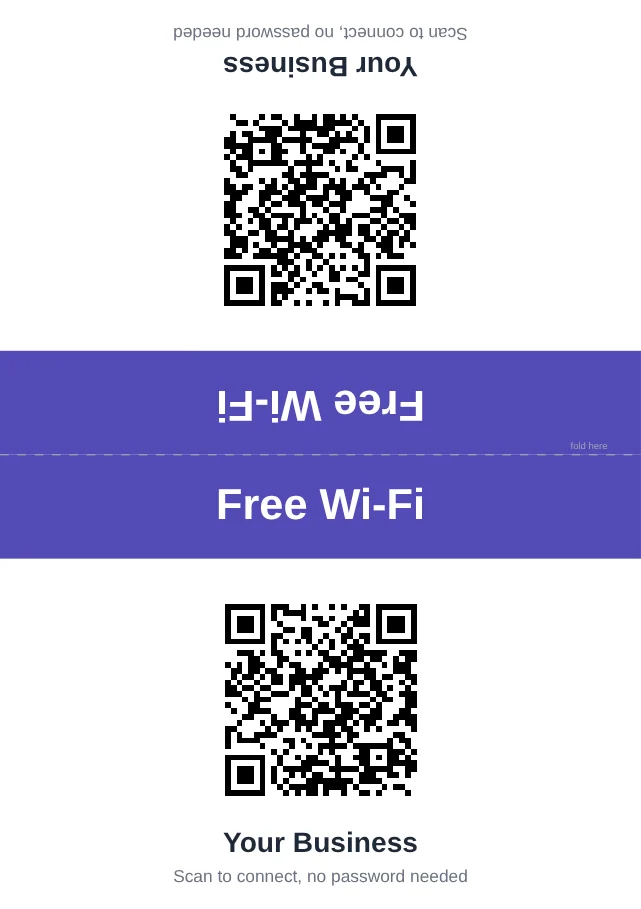
Table tent
- Folds in half, readable from both sides
- A5 or A4
- Best for restaurants, cafes and hotels
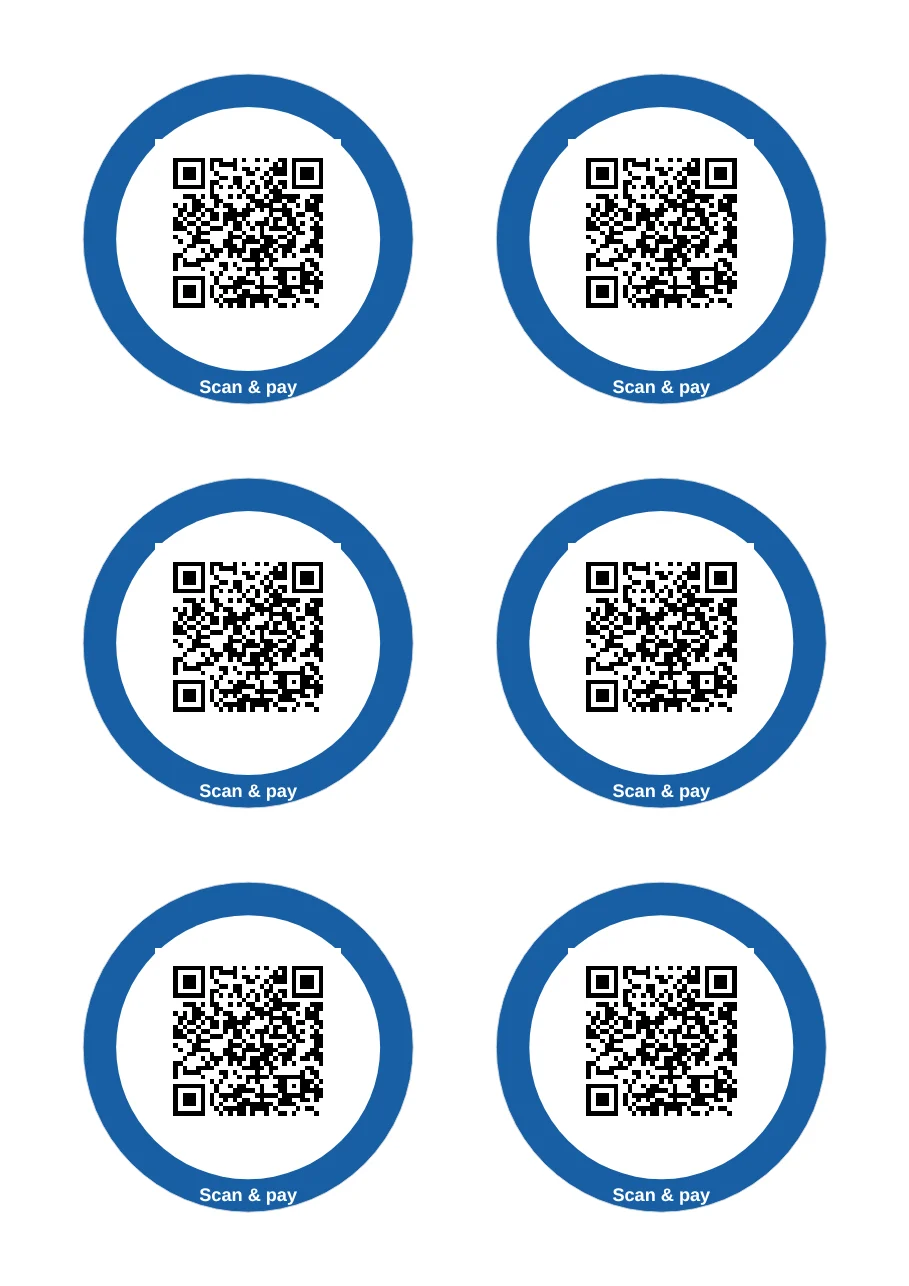
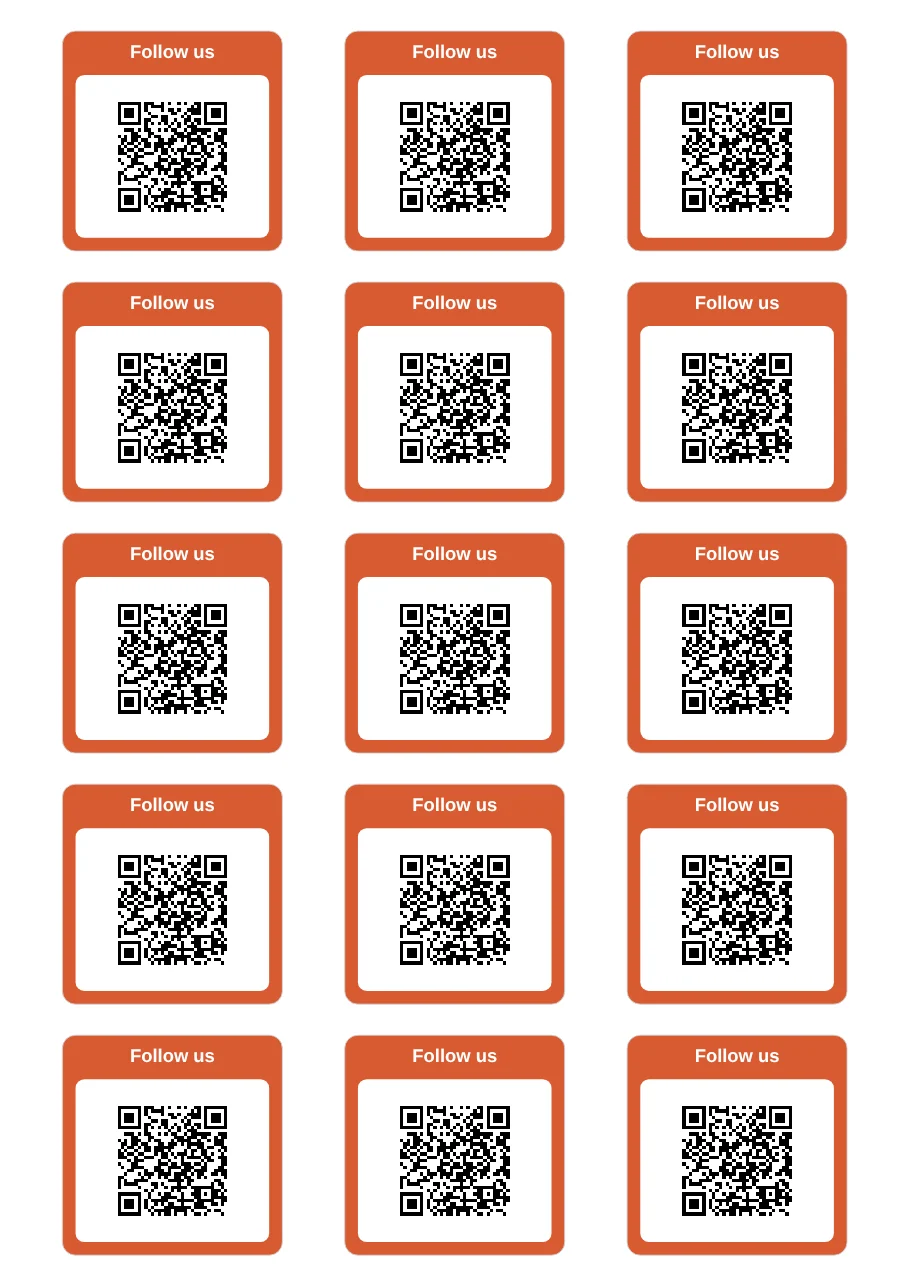
Sticker sheet
- Round or square
- 3 inch (6 per A4) or 2 inch (15 per A4)
- Best for packaging, doors and counters
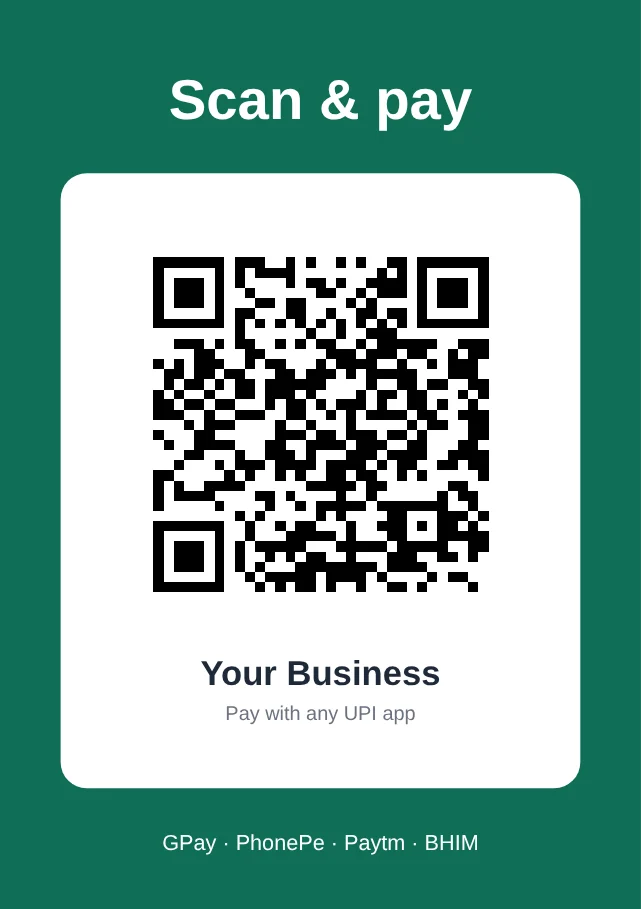
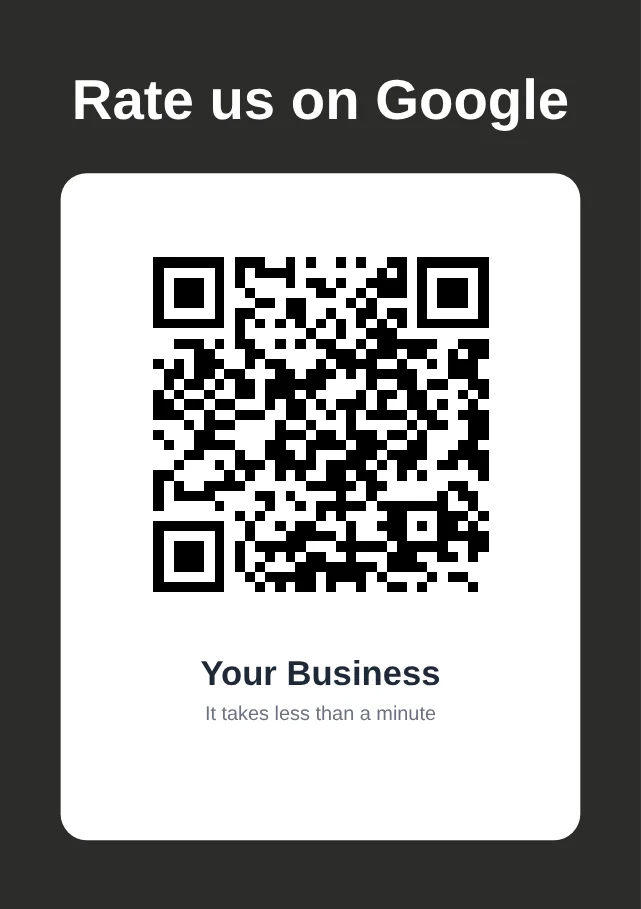
Counter standee
- Large QR, easy to scan from a distance
- A5 or A4
- Best for UPI payments, offers and reviews
How it works
1
Create your QR code
Menu, UPI payment, Wi-Fi, link in bio or any other type.
2
Pick a template
Choose the size, add your headline and business name, and pick a color.
3
Download and print
Get a print-ready PDF for your home printer or local print shop.
Frequently asked questions
Can I print these at home?
Yes. The PDF fits A4 or A5 paper. For stickers, print on A4 sticker paper and cut along the light guide lines.
Which QR types work with templates?
All of them. The headline is suggested for your QR type, like "Scan for menu" or "Scan & pay", and you can change it.
Are templates free?
Templates are included in all paid plans. Creating a basic QR code stays free.