A UPI Payment QR code lets customers pay you from GPay, PhonePe, Paytm, BHIM or any UPI app with one scan. Your UPI ID and name are filled in automatically, and you can fix the amount for a bill or let the customer type it.
Create UPI Payment QR Code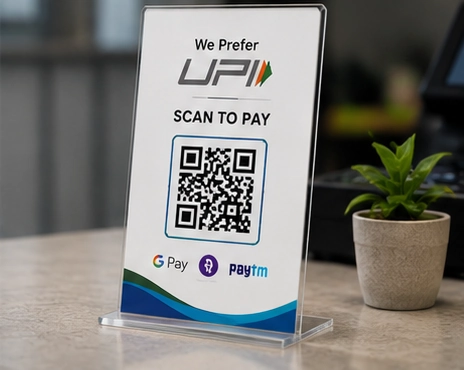
Is the UPI QR code free?
Yes. Creating and downloading a UPI payment QR code is free on MyQR, and UPI itself does not charge customers to pay.
Where does the money go?
Straight to the bank account linked to your UPI ID. MyQR only builds the QR code; we never receive or hold the payment.
Should I set a fixed amount?
Set an amount when the QR is for one bill or a fixed price. Leave it empty for a counter QR so each customer can enter what they owe.
Can I change the content after printing?
No — this is a static QR code, so the content is fixed once created. To change it, generate a new QR code.