
You printed 2,000 flyers with a QR code. Did 10 people scan it, or 500? Without tracking you will never know, and you cannot tell which campaign is worth repeating.
This guide explains how QR code scan tracking works, what you need to set it up, and how to turn the numbers into better decisions.
How QR code tracking works
A normal (static) QR code stores your link directly in the pattern. The phone opens the link straight away, so nobody in between can count the scan.
A dynamic QR code stores a short link that points to our server first. When someone scans it:
- The phone opens the short link.
- Our server records the scan.
- The visitor is sent to your real destination, usually in a fraction of a second.
The person scanning does not notice anything. You get a scan count in your dashboard. To learn more about the two types, read static vs dynamic QR codes.
Good to know: Scan tracking only works with dynamic QR codes, which are part of our paid plans. Static codes cannot be tracked by anyone, because no server is involved.
What you can see in your dashboard
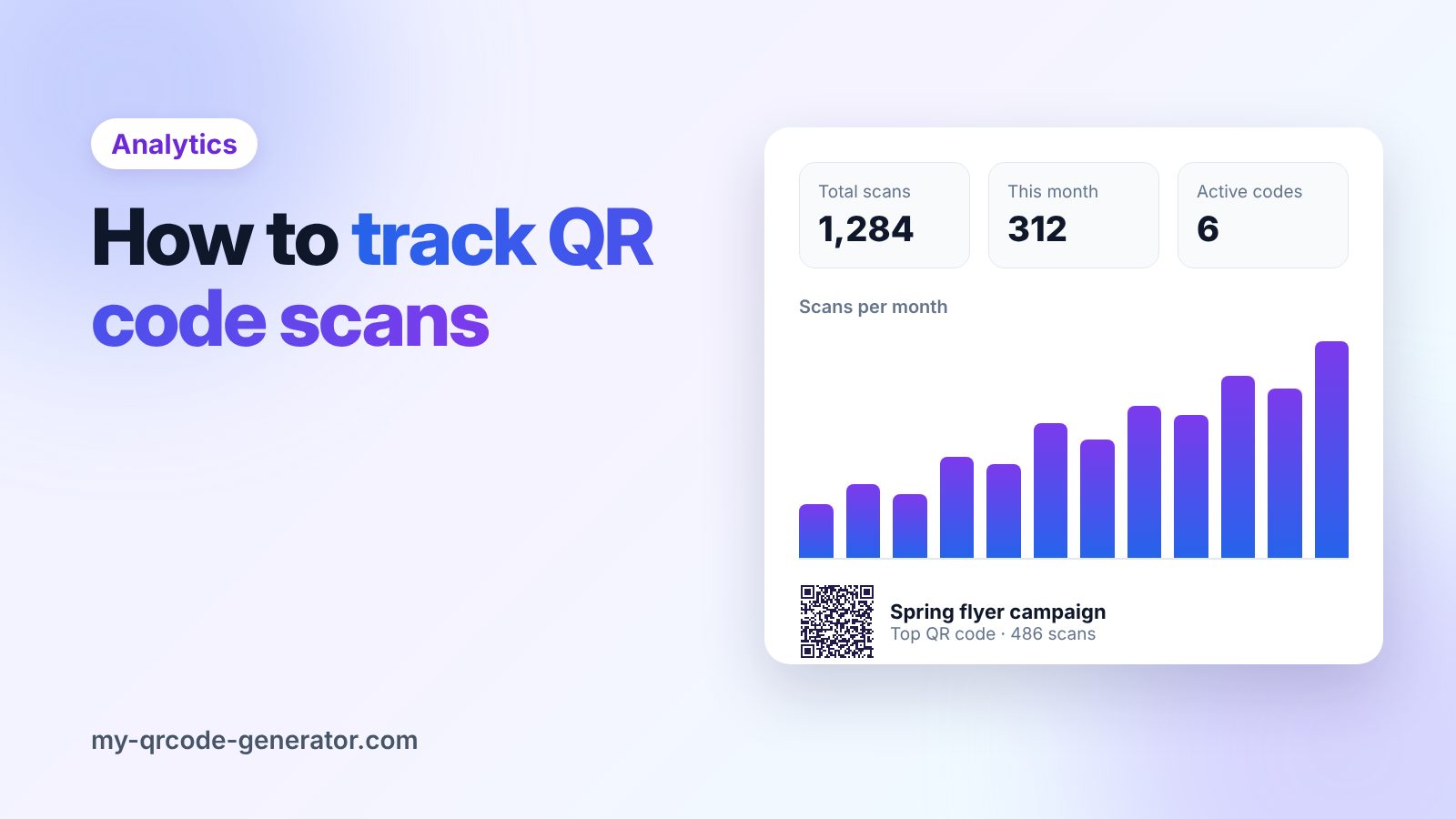
In My QR Code Generator you can see:
- Scans per QR code, so you know which code is used the most
- Total scans across all your codes
- Scans this month, to spot trends
- Your top QR code, to see which campaign is winning
We count a scan once per device. If the same person scans your poster five times, it counts as one scan. That gives you a more honest picture of how many real people your code reached.
How to set up QR code tracking
- Create a new QR code and choose a dynamic type, for example Website, Menu or Coupon.
- Give it a clear name, like "Diwali flyer – Andheri store". You will thank yourself later.
- Download and print it.
- Open My QR codes to watch the scans come in.
One code per placement
The most useful habit in QR tracking is simple: use a different QR code for each place you print it.
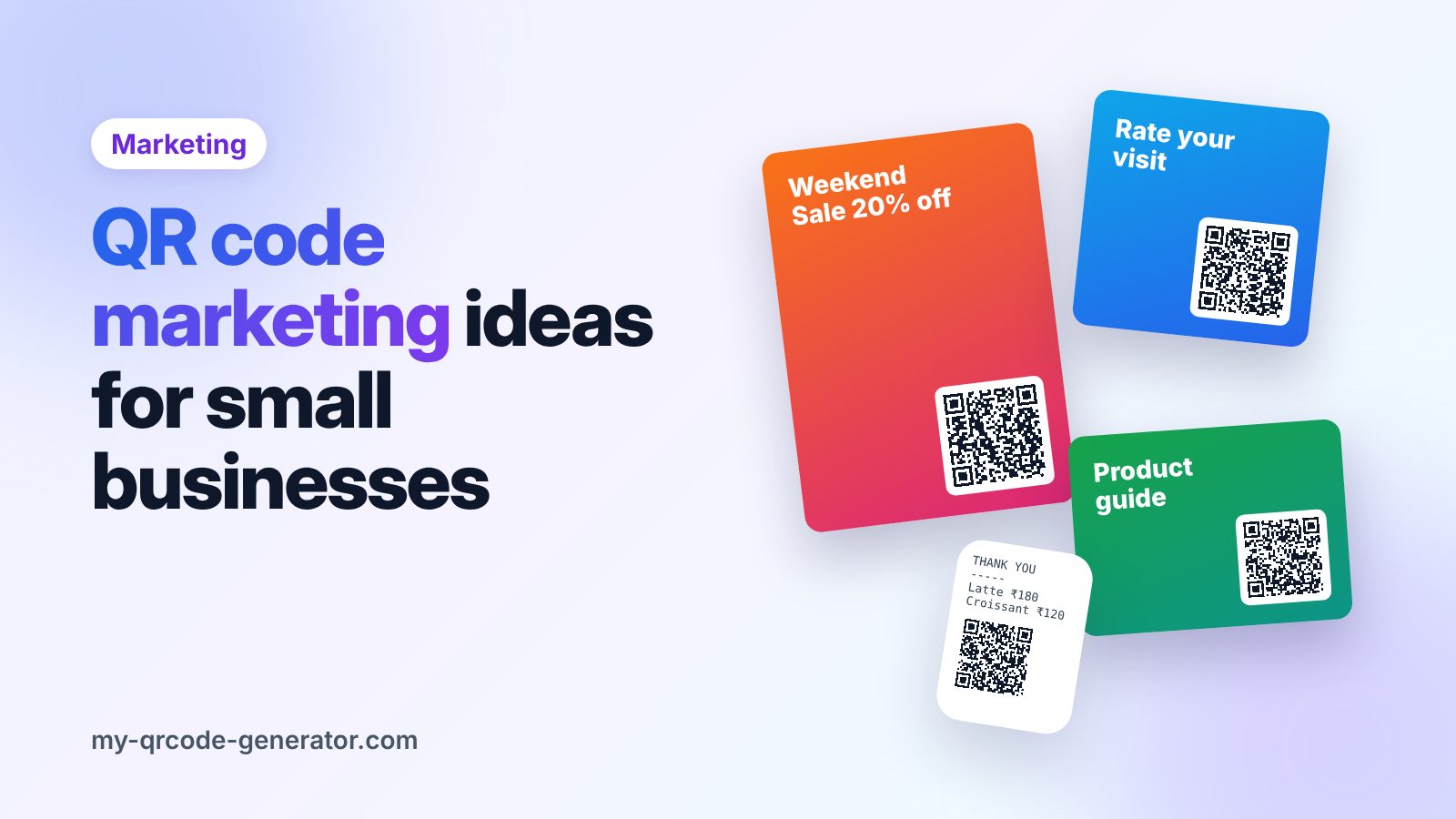
If the same code is on your flyer, your window poster and your packaging, you only see one total. If each has its own code, you can see that the window poster gets five times more scans than the flyer. That tells you where to spend your next print budget.
| Placement | QR code name | Scans |
|---|---|---|
| Shop window poster | Window poster – Oct | 412 |
| Flyer handed out | Street flyer – Oct | 96 |
| Product box | Box insert – Oct | 158 |
Go deeper with UTM links
Scan counts tell you how many people scanned. To see what they did after scanning (signed up, bought, booked), add UTM tags to your destination link and check the results in Google Analytics. For example:
https://yourshop.com/offer?utm_source=qr&utm_medium=flyer&utm_campaign=diwali
Because your QR code is dynamic, you can add or change these tags at any time without reprinting.
What is a good scan rate?
There is no single answer. It depends on where the code is, how big it is and what you promise. These things increase scans every time:
- A clear reason to scan. "Scan for 10% off" works far better than a bare code.
- Good placement. At eye level, where people stand or wait (counters, tables, queues).
- Enough size. Follow our QR code size guide.
- A fast, mobile-friendly destination. If the page is slow, people leave before it loads.
Use the numbers to improve
Check your scans weekly for the first month of a campaign. If a code gets almost no scans, change the call to action, move it, or make it bigger. Since the code is dynamic, you can also point it to a better page without reprinting.
Ready to measure your next campaign? Create a dynamic website QR code and start tracking scans today.
Frequently asked questions
Can I track scans on a static QR code?
No. A static QR code opens the link directly on the phone, so no server can count the scan. You need a dynamic QR code for tracking.
Does tracking slow down the scan?
No. The redirect usually takes a fraction of a second, and the person scanning does not see any extra step.
Is the same person counted more than once?
No. We count a scan once per device, so repeat scans from the same phone do not inflate your numbers.
Written by
My QR Code Generator Team
We build My QR Code Generator and help businesses create, design and track QR codes for menus, business cards, packaging and marketing campaigns. Every guide is based on what we see working for our users.
About My QR Code Generator